Play Nate Hand Gesture Online
Start Nate Hand Gesture in the player above, then use this spoiler-light guide for the premise, core mechanics, controls, objectives, and version differences.
- Genre
- Psychological horror visual novel
- Creator / release
- Gilang
- Original release
- In-development 2026 demo
- Play format
- Embedded browser game
What Is Nate Hand Gesture?
Nate Hand Gesture traps the player in a short encounter with an entity that consumes humans to experience their emotions. Survival depends on playing her hand game, answering carefully, and recognizing that a normal round of rock-paper-scissors means very little when the opponent controls the outcome.
How to Play Nate Hand Gesture
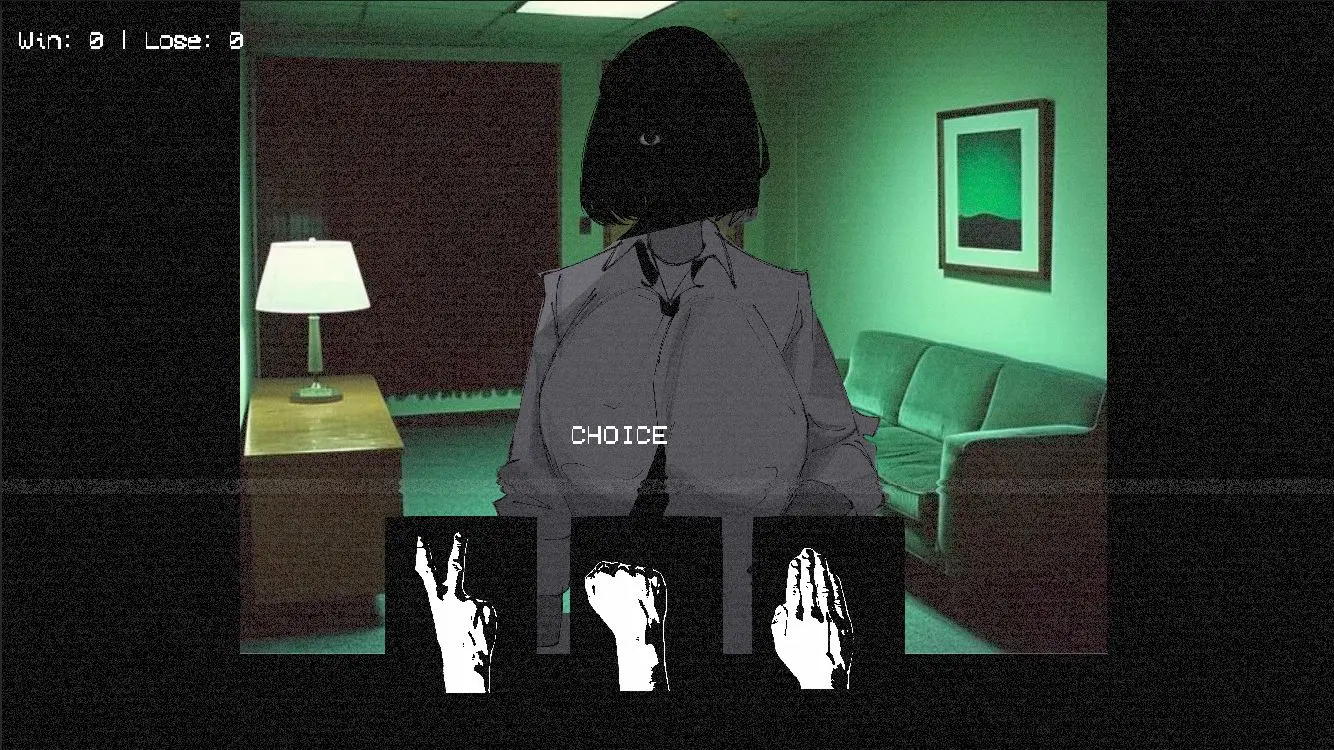
The current demo combines visual-novel dialogue choices with rock-paper-scissors. You select responses, watch Nate's expression and tone, then choose a hand when the match begins. The creator warns that Nate does not play fair: her mood can decide whether she lets you win or forces a loss, so managing the conversation matters more than memorizing a fixed pattern.
Nate Hand Gesture Controls
- Mouse or touch: advance dialogue and choose responses
- Select a hand: choose rock, paper, or scissors on screen
- Fullscreen: use the player control when text needs more room
Objectives
- Follow the dialogue and learn what changes Nate's mood.
- Choose rock, paper, or scissors when each round begins.
- Survive the main route without assuming every win is helpful.
- Replay decisions to find the three death endings and other outcomes in the current build.
Story, Style, and Horror Design
Grainy backgrounds, stark monochrome character art, sudden color changes, and Nate's unreadable face keep the small setting tense. The story shifts between threatening horror and strange humor, making even a familiar gesture feel like a social risk.
Nate Hand Gesture Tips
- Read Nate's reaction to the previous choice before playing the next hand.
- Accept that losing a round can be safer than provoking her with another win.
- Replay from an earlier decision when testing another ending.
- Use the official itch.io page for the latest Windows or Android build.
Original Game Source
This guide was researched from the original creator or publisher where one could be verified. See Official itch.io page for the authoritative release information. Distributor pages were used only when no original page for the exact browser build could be confirmed.
Nate Hand Gesture FAQ
Who created Nate Hand Gesture?
Nate Hand Gesture is created by Gilang and made with Unity.
How many endings are in the current version?
The official page describes one main route, three death endings, and several other endings.
Does Nate follow normal rock-paper-scissors rules?
Not reliably. Her mood can influence whether she allows the player to win or makes the player lose.
Can I play Nate Hand Gesture in a browser?
Yes. Use the player at the top of this page. Browser compatibility, mobile controls, saves, and content can differ from the creator's official release.
Is this browser version identical to the original?
Gilang lists the official Nate Hand Gesture builds for Windows and Android. The WebGL edition embedded here is hosted separately and should not be treated as an official browser release or a replacement for the creator's current downloads.